Priority
- 1×Beef sirloin, dumplings
- 2×Fried cheese
Allergy: nuts!
DoneNew · early access
An order from the till shows up on the kitchen screen in a blink. With a sound, in the right order, with a note nobody can miss. On a tablet or computer you already have.
Paper is made of wood. The wood age was supposed to end a while ago.
 Kitchen
Priority
Allergy: nuts!
DoneNew
Kids’ portion
DoneBluetooth and network ticket printers have done their job for twenty years. Kitchens got faster since; paper did not. Here is an honest comparison.
Bluetooth drops through a wall; a network printer wants a cable, a fixed IP address and a router nobody dares to touch.
Wi-Fi and a browser. The display pairs with a code; no IP addresses, no cables.
Tickets on a rail, on the counter, on the floor. Which one is oldest only the longest-serving cook knows.
Sorted by time. You see how old each order is at a glance, by colour.
The waiter shouts “this one’s urgent!” over the extractor fan.
A priority order jumps to the top and lights up.
Small print at the end of the ticket, smudged by greasy fingers.
Large and highlighted right next to the dish they belong to.
The quiet whirr of a printer nobody in the kitchen can hear.
A sound for every new order. You set the volume.
A new ticket prints. The old one still hangs there; guess which one counts.
The order updates in place. No cooking it twice.
Friday, 8 pm. Orders vanish into thin air until someone notices.
It can’t run out. There is none.
A network printer at 3 900 Kč, plus paper rolls (590 Kč for 20) over and over.
A tablet or computer you already have. Consumables: zero.
Printer and roll prices exclude VAT and come from our hardware offer.
5 km of thermal paper a year
Picture a walk across Prague’s old town and back. Every metre was paid for, torn off, pinned to a rail and thrown away. And thermal paper is not recyclable with ordinary paper, so it ends up in general waste.
Estimate: 100 tickets a day, 15 cm per ticket, 330 opening days a year.
The display is not just a ticket on a screen. It is an overview of the whole kitchen.
A new order chimes. You hear it over a sizzling pan.
The oldest order always comes first. No digging through tickets.
An urgent order jumps to the top and is visible from across the kitchen.
“No onion”, “allergy: nuts”, “kids’ portion”. In large type, by the right dish.
Every order shows how long it has waited. Green, yellow, red. You know where the fire is.
The cook taps “Done” and the floor knows it can serve. No running, no shouting.
The display is a full part of Hugo. Same menu, same orders, same account. Nothing to retype, nothing to wire up.
On the till, the Hugo terminal or a phone. Same as always.
The order is on the screen before the waiter reaches the kitchen door.
The status flows back to the till. The floor knows what to serve.
No box, no install, no technician. Open a browser, pair the display with a code and start cooking. It runs on anything with a screen and the internet.
That old tablet in the drawer? It just got a new job.
As long as it isn’t from the stone age: an iPad from 2017 or newer (iPadOS 16.4+), an Android 10+ tablet (roughly 2020 onwards) with an up-to-date Chrome, or any computer with a current browser. That is what it takes for the display to chime and stay awake.
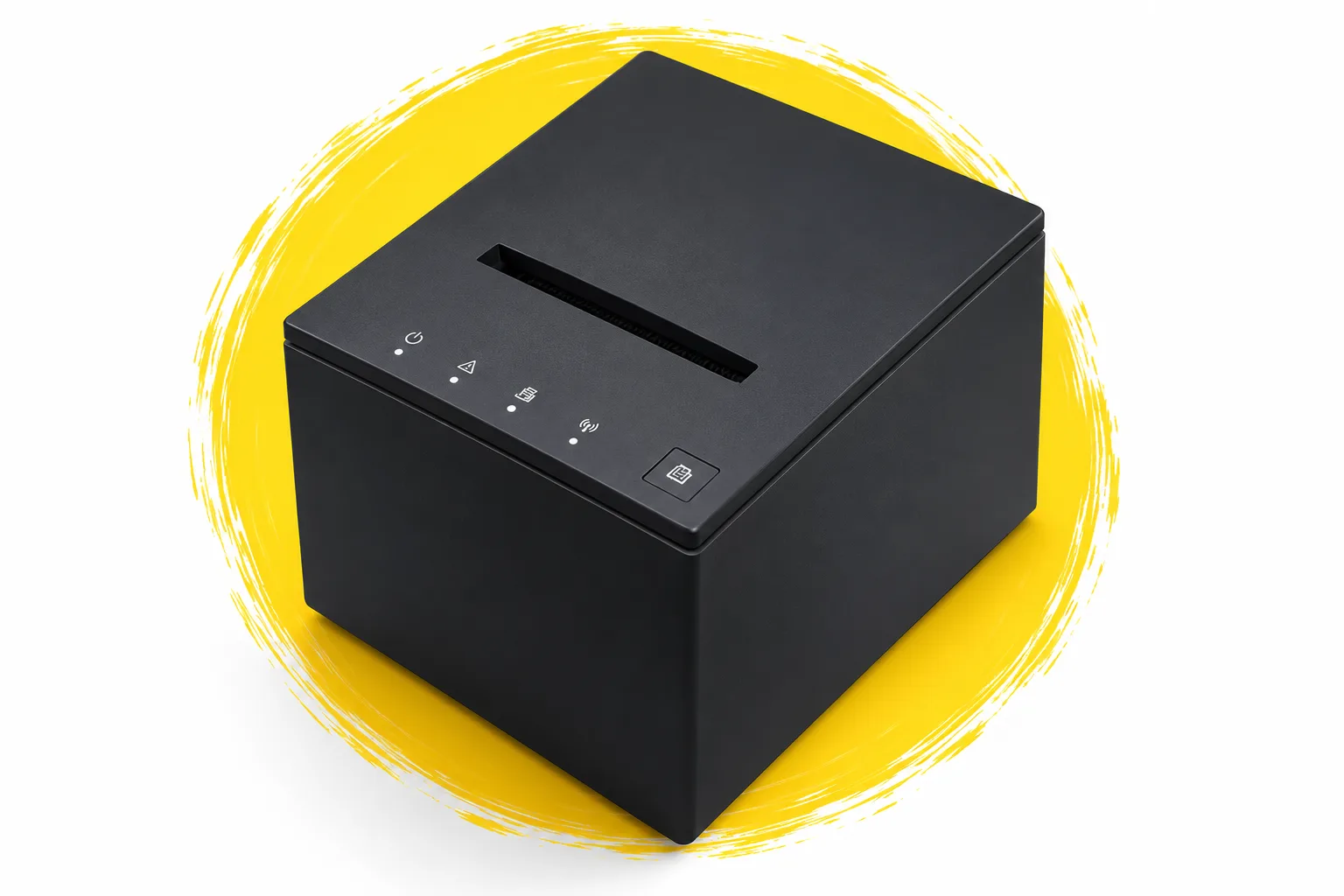
We won’t twist your arm. Hugo works wonders with a printer: food goes to the kitchen, drinks to the bar, each to its own. We supply and set up both Bluetooth and network printers.
We are opening it to the first venues in early access. Write to us and we’ll set you up to try it in your own kitchen.
The Hugo POS and a device with an up-to-date browser and an internet connection: an iPad from 2017 or newer (iPadOS 16.4+), an Android 10+ tablet or a computer. For a tablet we recommend a wall mount or a stand, so it stays out of the sauce.
The display needs a connection, just like a cloud POS. No order gets lost, though: once the connection is back, the display fetches the ones that came in meanwhile.
Tell us how your venue is split and we’ll suggest a setup that fits. A display in the kitchen and tickets at the bar is a common combination.
Tell us you want the kitchen display. We’ll get back to you and set it up together. Not on Hugo yet? The first 14 days cost nothing; terms are in our pricing.